How to Design Facebook Ads That Don’t Look Like Ads | Canva Templates
Ever scrolled through Facebook and stopped at a post, only to realize later it was an ad? That’s not by accident—it’s great ad design. In fact, learning how to design Facebook ads that seamlessly blend into your audience’s feed is key to winning attention without triggering their ad radar.
We live in a world where users are bombarded with content every second. Banner blindness is real, and it’s affecting your ad performance more than you think. So, what’s the solution? Designing ads that don’t scream “I’m an ad!” This strategy not only earns trust but dramatically increases engagement.
Before diving deep, let’s explore this fantastic guide on repurposing content for visual ads. It offers clever ways to create value-packed visuals that don’t feel intrusive or overly promotional—just like what we aim for with native ad design.

What Makes a Facebook Ad Look Like an Ad
Common signs of overt advertising
When users sense they’re being sold to, they tune out. Here’s what makes an ad obvious:
Stock-heavy images with no brand connection
Loud BUY NOW CTAs that dominate the frame
Inconsistent branding and poor layout
Clashing fonts and neon color blocks
Audience resistance and banner blindness
Research shows that users actively avoid anything resembling traditional advertising. This phenomenon, called “banner blindness,” makes your job tougher. If the design doesn’t mimic regular user-generated content, it’s ignored.
How to Design Facebook Ads That Engage Naturally
Principles of subtle advertising design
Start with storytelling: Create an emotional hook before pitching.
Focus on value first: Show benefits instead of products.
User-first visuals: Mimic the aesthetics of typical user content.
Colors, fonts, and layout tricks that work
Use neutral tones and lifestyle photography
Stick to legible, brand-aligned fonts
Employ white space and balanced alignment
Using Canva to Build Seamless Facebook Ads
How Canva templates streamline the process
If you’re new to ad design, Canva makes it easy. Their templates are clean, modifiable, and often mimic organic content. Want to promote a service? Start with a quote layout. Selling a product? Use a photo collage format.
You’ll find everything from Facebook story templates to carousel ad frames that don’t feel like ads—and that’s the goal.
Real-world application with Canva tools
Select a template that resembles a personal post
Replace placeholder content with authentic images
Add soft CTA like “See more” or “Discover this tip”
For additional strategy layering, check out this One-Page Marketing Plan guide. It’ll help align your design with a broader content approach, ensuring your visuals support your full campaign narrative.
Facebook Ad Creative Examples That Work
Image-based creative done right
Before-and-after transformations
Flat-lay product displays that resemble Instagram posts
Testimonials in quote card format
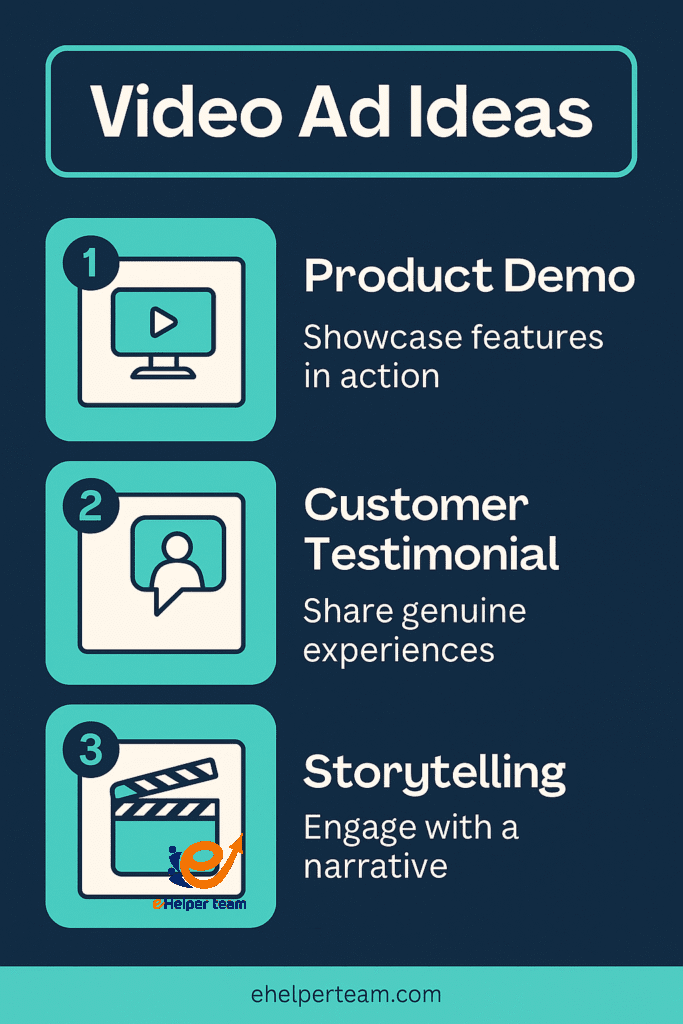
Engaging video ad ideas with storytelling
Short clips of product usage
Real user feedback turned into reels
Tutorials narrated like tips from a friend
Ad Design Best Practices for 2025
Typography tips for visual harmony
Stick with 1–2 fonts per design
Use size hierarchy: Headline > Body > CTA
Ensure readability on mobile
Mobile-first layout and responsiveness
Avoid tiny text and clutter
Keep important elements centered and tappable
Test your design across devices before publishing
Integrating Canva Templates into Your Ad Strategy
When to customize vs. start from scratch
Use templates for speed, but don’t forget your unique brand flavor:
Customize fonts and colors
Add branded elements subtly (like icons or logo watermarks)
Tweak the layout for mobile-friendliness
Example: Building a brand narrative with visuals
Let’s say you’re promoting an eco-friendly water bottle:
Use a Canva lifestyle template with nature backgrounds
Add a user testimonial in overlay text
End with a swipeable tip like “3 Ways to Save the Planet Today”
Measuring Success Without Shouting “Ad”
Engagement metrics and user feedback loops
Track these indicators:
Click-through rate (CTR)
Shares and comments (especially unsolicited ones)
Time spent viewing carousel/video ads
Split testing subtle vs. overt designs
A/B test two ads:
One that mimics a Facebook post
One with traditional ad design
Compare which garners higher CTR and comments that indicate trust, such as “Is this a real post?”
Real-World Inspiration: Content Marketing That Feels Organic
Before we wrap up, let’s pull in a few real-world case studies:
Many Print-on-Demand brands succeed by designing Facebook ads that look like fun hobby posts. Here’s a look at how they do it.
Others use subtle lifestyle videos and Canva-optimized carousels to push sales discreetly. Explore this strategy in the T-shirt Selling Guide.
Such campaigns don’t announce themselves as ads. They feel like stories or tips your friend might share—which is exactly what makes them work.
Psychological Triggers That Make Natural Ads Effective
While design is key, the psychological aspect behind why native-style ads work is equally powerful. Here are some triggers that enhance effectiveness:
The Zeigarnik Effect: People remember incomplete tasks better than completed ones. Ads with open-ended stories or questions spark curiosity and higher engagement.
Social Proof: Including subtle signs of popularity (like a testimonial quote or visible likes/comments) makes the content feel trustworthy without aggressive persuasion.
Mirror Neurons: When users see real people using a product naturally (especially in video), it activates brain areas that mimic the experience—leading to higher conversion.
By integrating these psychological cues subtly into your Canva ad design, you ensure the ad feels more like something a friend might share than a hard sell.
Leveraging User-Generated Content (UGC) in Your Facebook Ad Design
User-Generated Content is one of the most authentic ways to disguise your ad as organic content. Here’s how to do it strategically:
Ask real customers to share photos using your product and gain permission to use them in your ad.
Use Canva to frame the image in a story-like layout, adding a small quote or review.
Add a low-key CTA like “See what others are saying” instead of a direct sales pitch.
UGC-driven designs perform well in competitive niches because they build relatability and trust, especially when used as part of a retargeting campaign.
How Algorithm-Friendly Design Can Boost Your Facebook Ads
Beyond just human appeal, your ad design should consider how Facebook’s algorithm ranks and delivers content. Native-looking ads often get better placement because:
Higher engagement rates (likes, shares, saves) tell the algorithm your content is valuable.
Low bounce behavior (users not immediately scrolling away) signals relevance.
Longer view times on video or carousel ads enhance ad quality score.
To capitalize on this, ensure your Canva-designed ads load quickly, avoid text-heavy visuals (which may get penalized), and use mobile-optimized dimensions like 1080×1080 for square or 1080×1920 for stories.
Tools That Complement Canva in Natural Ad Creation
While Canva is versatile, combining it with other tools can elevate your workflow:
Remove.bg – Instantly remove backgrounds from product photos to create cleaner compositions.
Unsplash or Pexels – High-quality, royalty-free lifestyle images that blend seamlessly with user content.
Grammarly – Ensures your ad copy is polished, error-free, and matches a natural tone.
Meta Ads Library – Browse live ads for inspiration and analyze how top brands craft subtle, high-performing creatives.
Pairing these tools with Canva unlocks a powerful, low-cost ad creation stack ideal for solo marketers and small businesses alike.
FAQs: Facebook Ad Design Simplified
Q1: How can I make my Facebook ad look more natural?
Use lifestyle imagery, personal captions, and avoid obvious CTAs. Focus on value before promotion.
Q2: Is Canva good for professional ad design?
Absolutely. Canva offers designer-quality templates that can be personalized for a subtle, native ad approach.
Q3: What are the best video ad ideas for Facebook?
Quick tutorials, product demonstrations, and customer testimonials work best, especially when styled like a user post.
Q4: How often should I refresh my Facebook ad creatives?
At least once every 2–3 weeks to combat ad fatigue and improve relevance.
Q5: Where can I find inspiration for Facebook ad design?
Browse content on platforms like Wikipedia for general info, and Canva’s template gallery for design-specific examples.
Conclusion
Learning how to design Facebook ads that don’t look like traditional ads is more than a trick—it’s a transformation in strategy. When you treat your ads like content and leverage tools like Canva, you build trust, engagement, and ultimately, better results. The time to evolve your design approach is now.
Start experimenting today. Your audience—and your click-through rate—will thank you.